This article covers technology for small-business owners and staff. It is free to read.
Imagine a small online shop adds an AI assistant to its website. The first week goes well, so AI safeguard checks feel like something to sort out later. Then a customer asks for a refund the assistant cannot approve, and the chat goes round in circles. Nobody on the team sees it until the complaint arrives.
That gap between installed and proven to work is where most problems live. A safeguard is not a safeguard until someone has tested it, and it stays reliable only if someone keeps watching it.
Start with a job you can measure
Begin with a need, not with the technology. Ask what is slowing your team or frustrating customers, then ask whether AI is a sensible way to fix it.
Good starting points are usually small and routine:
- Helping staff find information in your own documents faster
- Answering simple, repeat questions about opening hours or delivery
- Guiding customers through a routine request
Pick one task where you can tell whether things improved. If you cannot measure it, you cannot judge whether the tool is worth keeping.
Set the limits before launch
Decide what the assistant may explain and what it must never decide. A helper might be allowed to describe your returns policy, but not to authorise a refund. Another might give general information about your services, but not quote a price you have not approved.
Write those limits down in plain language. Then collect a handful of example questions that sit on each side of the line. A few that are fine to answer, a few that are not. You will use these as a test set.
It also helps to limit what the tool can see. Answers should come from information you have approved, and the assistant should have a polite fallback when it does not know, rather than guessing.
Make the supplier prove it
A polished demonstration shows the product at its best. Your customers will not behave like a demo.
Ask the supplier to show how it copes with situations from your own business:
- Unclear or half-finished requests
- Missing information
- Customers who interrupt or change their mind
- Questions it cannot answer
- Quiet speakers, strong accents or noisy surroundings, if it handles voice
Try some of these yourself with real staff. Even thorough supplier testing cannot cover every customer, so your own scenarios matter. If it struggles, that is useful: it gives the supplier a specific problem to fix rather than a vague worry.
Test the handover to a person
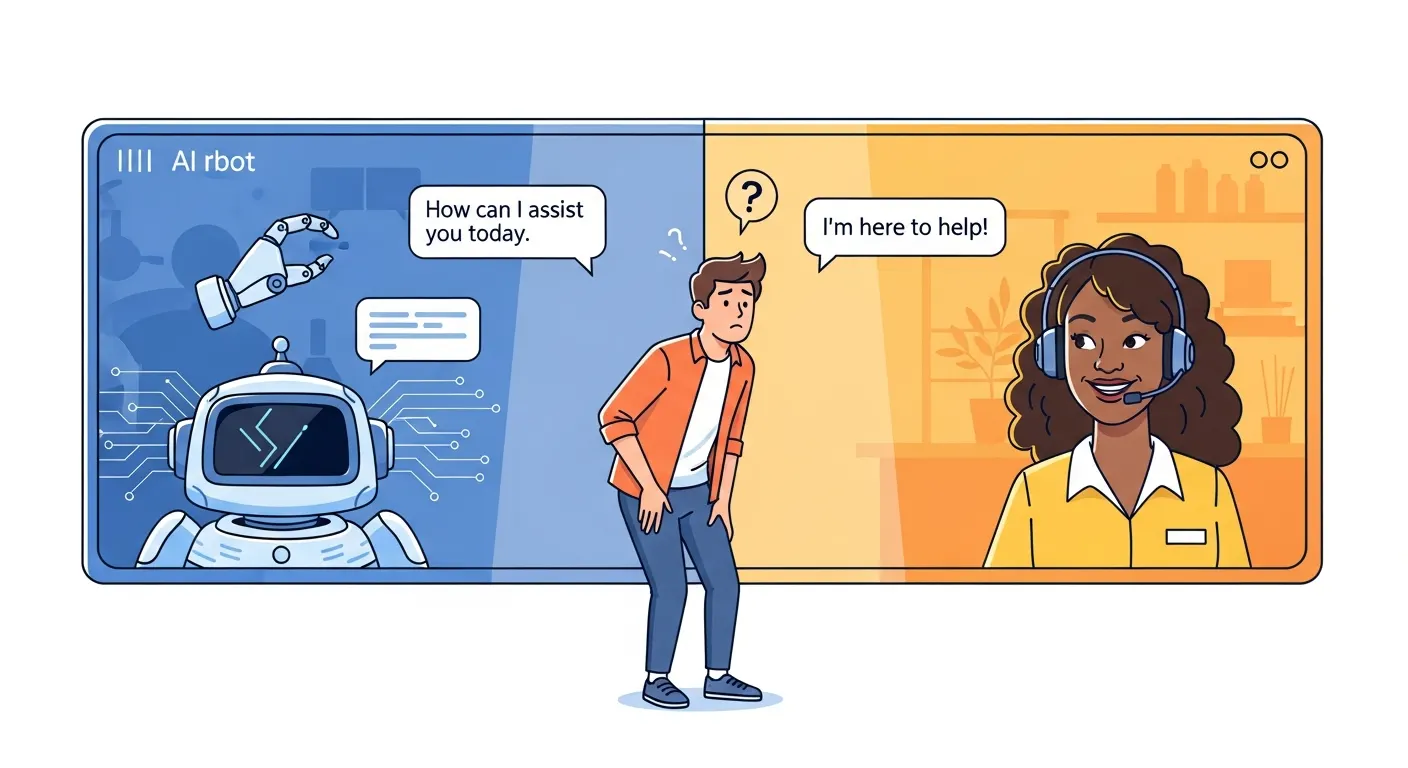
An accurate answer to one question counts for little if the customer then cannot finish what they came to do. Check that a human route exists and that it actually works.
Try it as a customer would. Ask for a person, then see who receives the request. Staff should get enough context to help without making the customer start again. If the handover fails, treat that as a launch blocker, not a detail.
Keep AI safeguard checks going after launch
The first rollout is the riskiest period, so consider having staff read a sample of conversations by hand during that time. Look for wrong answers, repeated misunderstandings and failed transfers.
Be careful interpreting the numbers. Heavy use could mean the tool is useful, or it could mean customers keep coming back because their problem is unresolved. A short conversation might be a success or a customer giving up. Reading real examples tells you what the figures cannot.
If a safeguard turns out to have weaknesses, fix it and test again. Do not assume it works because it was switched on.
Give someone clear ownership
A small business does not need a committee, but it does need a named person. They should be able to approve how the AI is used, review problems and pause it when needed.
Without that, responsibility drifts. The supplier maintains the software, your IT provider controls access and staff deal with customers, and each assumes another is watching. Agree who reviews complaints, who decides whether to adjust or switch off, and how staff report issues quickly.
Retest when things change
Approval of one version does not cover every later one. Whenever the information the tool uses, its permissions or its abilities change, run your test set again.
The same goes for reusing a setup elsewhere. A control that worked for one task may behave differently with different customers or documents. Keep source information current too, because outdated pages lead to confident but wrong answers.
When comparing costs, include testing time and the ongoing work of reviewing errors. A tool that saves minutes on answers but costs staff longer in corrections may not pay its way.
Next steps
- Choose one measurable task and write down what the AI may and may not do.
- Build a short test set of everyday, awkward and out-of-bounds questions.
- Ask the supplier to run your scenarios, including the handover to a person.
- Name an owner and agree how problems are reported.
- Review real conversations during the first weeks, and retest after every change.
The takeaway: an AI tool earns trust through testing, clear limits and someone who keeps checking, not through a good demonstration.