This article covers technology for small-business owners and staff. It is free to read.
Mobile security cameras could help when a door sensor pings on a Sunday evening and you are miles from the shop. Imagine the owner opening an app, sending a small device towards the stockroom and seeing what set off the alert, instead of driving in on a hunch. That scenario sits behind a new wave of indoor drones and wheeled robots aimed at homes and businesses.
Why a moving camera is different
A fixed camera watches one view. A moving one can visit several rooms, which may reduce the number of cameras you need to install.
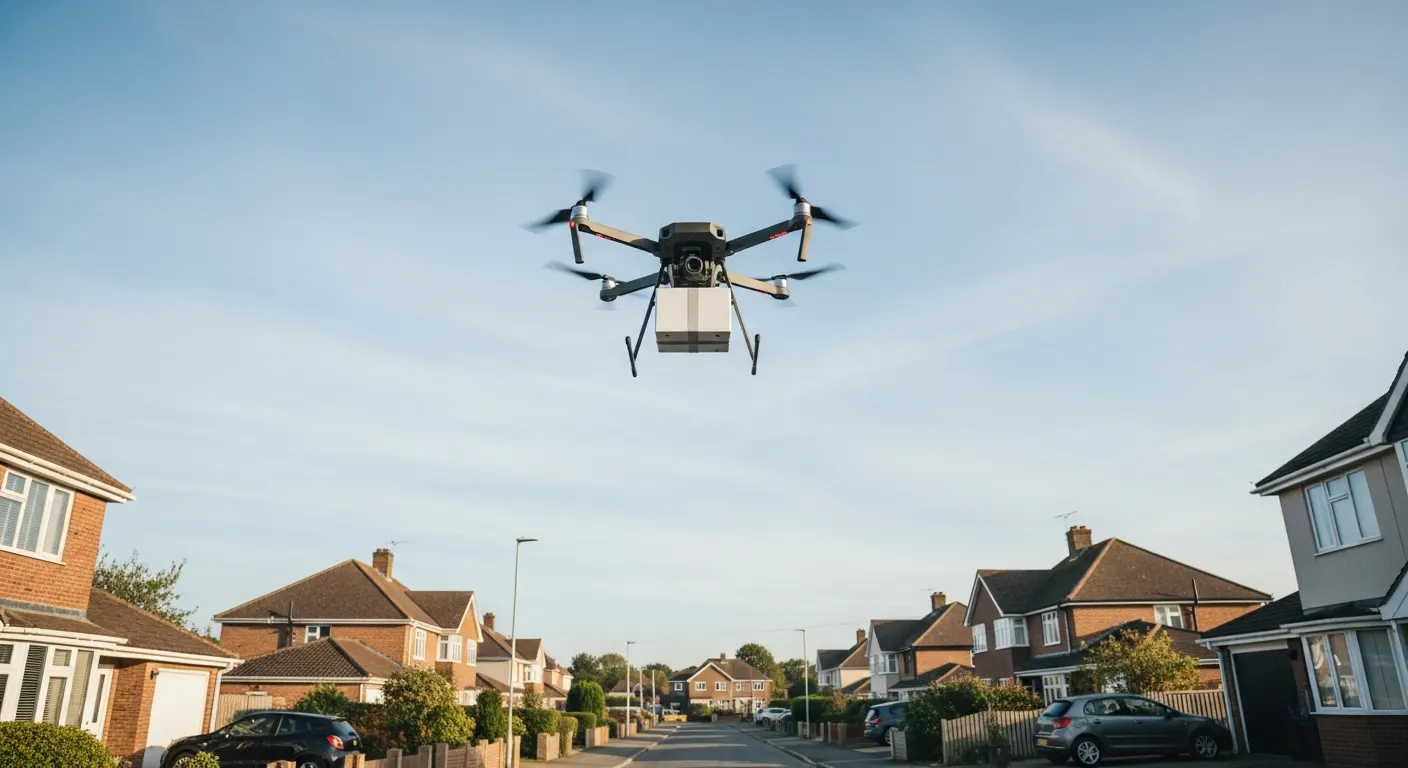
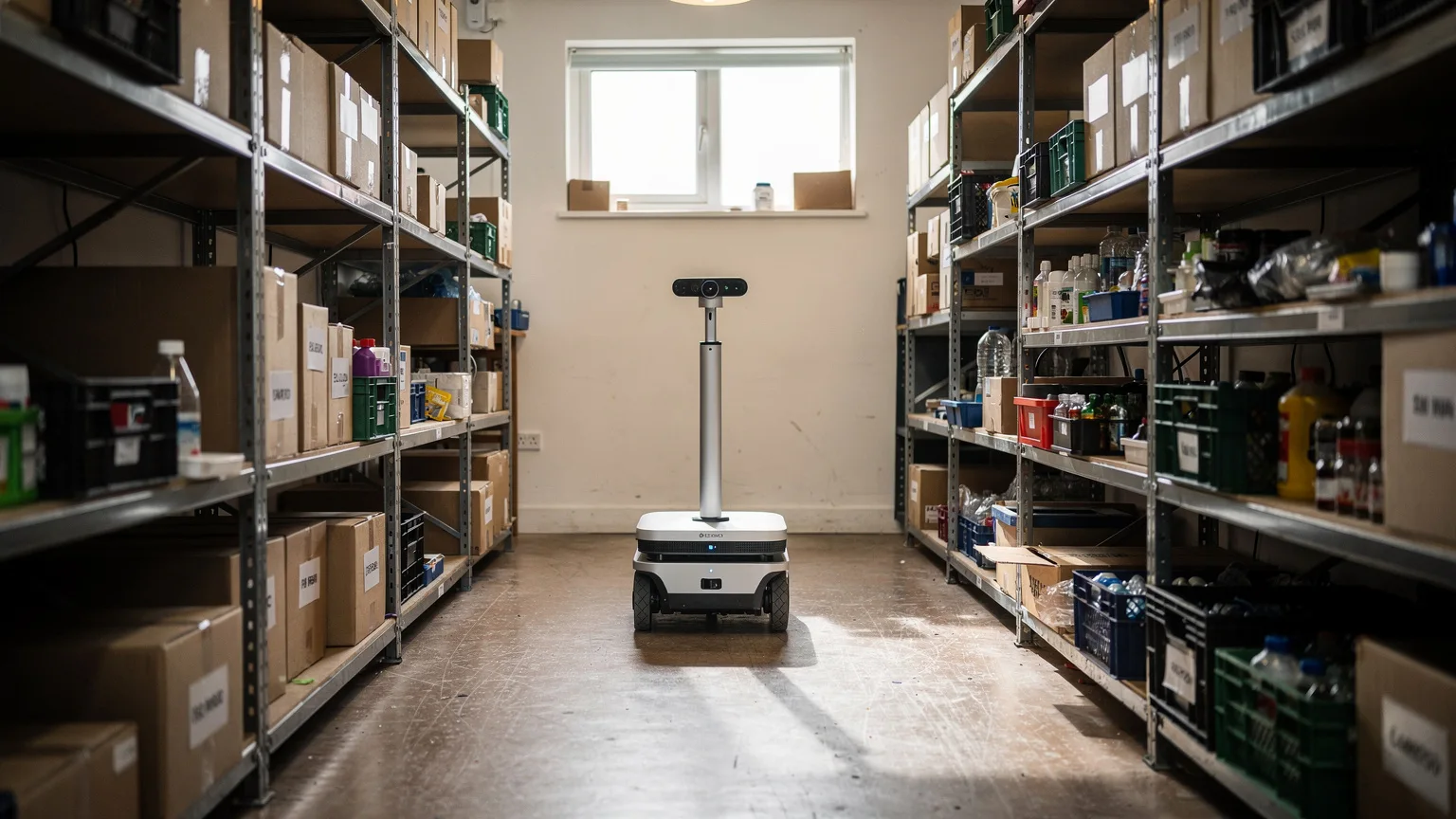
Newly announced devices work through an existing camera app and respond to connected cameras, sensors and alarms. One is an indoor drone designed for homes. The other is a wheeled robot for businesses, with an adjustable camera mast intended to see over counters and shelving.
Reported features include:
- Video up to 4K on the robot, with two-way audio, a siren and a light tower
- 2K video on the drone, with built-in lights for darker rooms
- Scheduled patrols or flights sent out on demand
- Automatic travel to a chosen point when a compatible device raises an alert
How these devices find their way
During setup, the owner walks the drone through the property so it can map the space. They then pick patrol points and routes. An AI navigation system combines camera images, sensors and cloud processing to build a floor plan and plan routes around obstacles.
That could make setup easier, but the real test is day-to-day reliability. A stockroom where boxes move daily is a harder place to navigate than a tidy demonstration space. Before relying on a device, find out which areas it can reach and what happens when a route is blocked.
What the footage can and cannot do
One description calls the robot "like having a guard on patrol who never clocks out". It is a catchy line, but a camera on wheels does not have a security officer's judgement or physical abilities.
Someone still has to look at the footage and decide what to do. A clear picture of a person in the stockroom only helps if the recipient can tell whether they belong there and knows who to call next.
Mobile security cameras and your privacy duties
Moving cameras raise fresh questions about what you record. UK Information Commissioner's Office guidance says surveillance needs a justified purpose, with particular care over audio monitoring.
In practice, a business should:
- Explain the recording to staff and visitors
- Restrict who can view footage
- Avoid collecting more than it needs
- Decide where and when recording is acceptable
The drone is said to power down with its camera off when docked, and its propellers are deliberately audible so people nearby notice it flying. That helps with awareness, but it does not replace agreeing the rules.
Video protection is worth checking too. The maker describes an encryption approach where keys are held briefly in a protected cloud environment so enabled features can process video, then deleted. That differs from the optional end-to-end encryption where only enrolled customer devices hold the keys. Ask which protections and features can be used together on the finished products.
Support, cost and availability
The published shipping dates and prices so far are for the US, and the drone still needs US regulatory authorisation. UK prices and delivery dates have not been confirmed, and some features need a compatible subscription plan.
Long-term support matters as well. An earlier business robot from the same maker was discontinued in 2024, and those units later lost functionality. It is reasonable to ask how long the hardware will be supported and what happens if the supporting service changes.
Running a sensible trial
If you get the chance to try one, test it in real conditions rather than a tidy demonstration.
- Leave furniture, stock and doors where they normally sit
- Check it reaches every chosen location reliably
- Watch whether the connection holds in each room
- Judge whether the footage is clear enough to understand what happened
- Note what it does when a route is blocked or the connection drops
Then add up the whole cost, including subscription fees, maintenance and the time staff spend reviewing alerts. Compare that with simpler options. A robot might check several rooms after closing, while a fixed camera may still be better for watching an entrance continuously.
Next steps and takeaway
Before spending anything, work through this short list:
- Write down the situations where someone currently has to visit to check an alert.
- Decide whether a moving camera would genuinely help in each one.
- Agree who receives alerts, including nights and weekends, and what they should do.
- Set rules on where recording happens and who can see footage.
- Ask the supplier about support length, UK availability and total running costs.
The strongest case for buying is evidence that the device settles uncertainty faster and helps staff respond, with clear limits on recording and access. Without that, a fixed camera and a good alert process may serve you better.