This article covers technology for small-business owners and staff. It is free to read.
Picture a pupil who needs a verification code to log in to a lesson, but whose phone is locked in a pouch until home time. The teacher now has to choose between enforcing the rule and letting the work go undone. That is why school phone rules are worth understanding, even if you are not a teacher.
What is actually changing
The government has announced revised statutory guidance, due to take effect from September 2027. Schools are encouraged to act sooner.
The key shift is about access. Asking pupils to keep a phone switched off in a bag or pocket will no longer be enough. Headteachers can choose how to comply, for example by:
- collecting phones
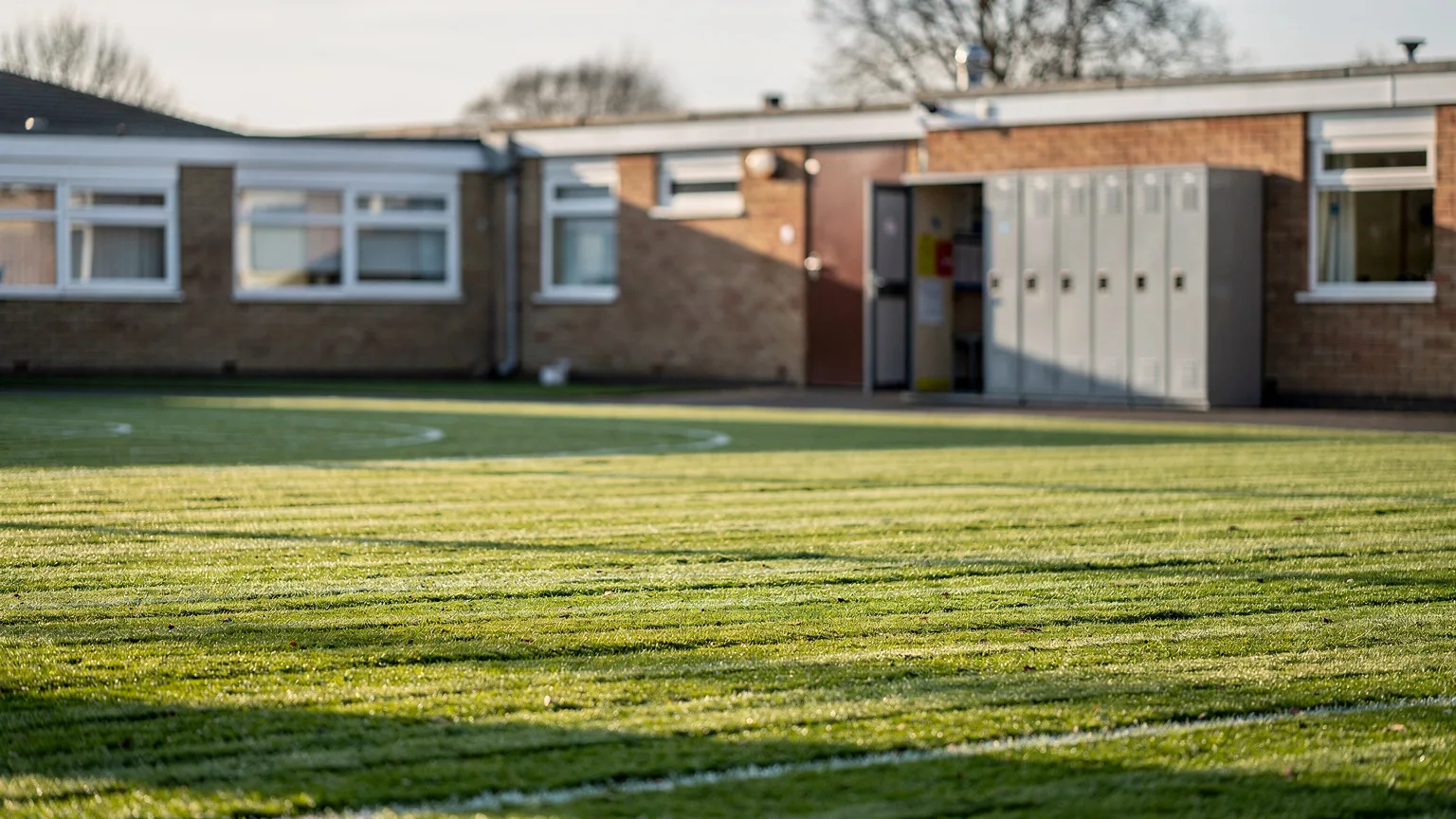
- providing secure lockers
- using lockable pouches
Pupils do not necessarily have to leave phones at home. A school could let children bring a device for the journey, provided it cannot be used during the day.
Why ministers want stricter rules
The argument is that staff spend too much time spotting and challenging phone use. A phone in a blazer pocket can still be checked between lessons.
The government says only 16 per cent of secondary pupils report that their school's phone rules are followed all the time. That points to inconsistent enforcement, but it does not mean every other pupil breaks the rules.
What the evidence suggests
Among school leaders whose policies let phones stay unseen and unheard, 20 per cent said rules were always followed. Where phones were collected, that rose to 74 per cent.
Those figures support the idea that removing access makes enforcement easier. They do not prove collection alone caused the gap, as schools also differ in staffing, behaviour policies and relationships with families.
A 2025 study of 30 English secondary schools found lower phone and social media use during school hours where restrictions applied. It did not find matching improvements in overall use or mental wellbeing. Because it was observational, it cannot predict exactly what the new policy will achieve.
Making it work day to day
The practical details matter. Collecting hundreds of phones needs secure storage, a reliable way to hand back the right device and a plan for late arrivals and early leavers.
Pouches bring their own questions, such as purchase costs, replacements and what happens if one is damaged or will not open. Leaders should weigh those ongoing demands against the staff time other options need.
Parents need a dependable way to reach their children too. Existing guidance directs contact through the school office, so families should be told clearly what happens routinely and what to do in an urgent situation.
Exceptions and classroom technology
Schools can still make exceptions for pupils who need phones for medical reasons or because of special educational needs or disabilities. Staff need to know who has permission, so those pupils are not repeatedly challenged for following an agreed arrangement.
Laptops and tablets can still be used for teaching under existing policies. The government is separately consulting on a proposed safety certification scheme for educational technology and AI products.
Checking your school phone rules and IT systems
For schools and their IT providers, a good first test is whether any school task relies on a personal phone. Sign-in codes sent by text and authenticator apps are the obvious examples.
If a pupil cannot sign in, open lesson materials or submit work without a phone, the policy and the system will clash. Sorting that out before September 2027 spares teachers an awkward choice.
If something goes wrong in testing, try these simple steps:
- Check whether a sign-in step quietly asks for an app or text code.
- Ask whether an alternative method, such as a school-managed option, is available.
- Note any service that only works on a phone and raise it with the supplier.
Next steps
Whether you run a school, support one or simply work with families, a short checklist helps:
- Walk through a pupil's day: sign in, open materials, submit work.
- List every service that needs a personal phone.
- Agree how devices are collected, stored and returned.
- Write down how exceptions are recorded and shared with staff.
- Set out how parents pass on urgent messages.
This is a hypothetical starting point, so adapt it to your own setting.
The takeaway
The new approach is about removing access, not just asking for good behaviour. Getting the logistics and the sign-in details right should make the rules easier for families to follow and for staff to enforce, leaving more time for teaching.